

Card covers—Much like plastic couch covers, we’re not quite sure what to do with them. Is it a weird way to decorate? Are they truly necessary?
Luckily, you can design and customize card covers to your heart’s content (unlike your Aunt Barb’s 80’s-style living room).
For starters, what exactly are ‘card covers’? According to Trello’s help page: “For image files which you upload to a Trello card, Trello will automatically create a picture to put on the front of the card and in the header of the card back.”
TL;DR: Card covers are static images or GIFs you can add to your cards to make them stand out on your board.
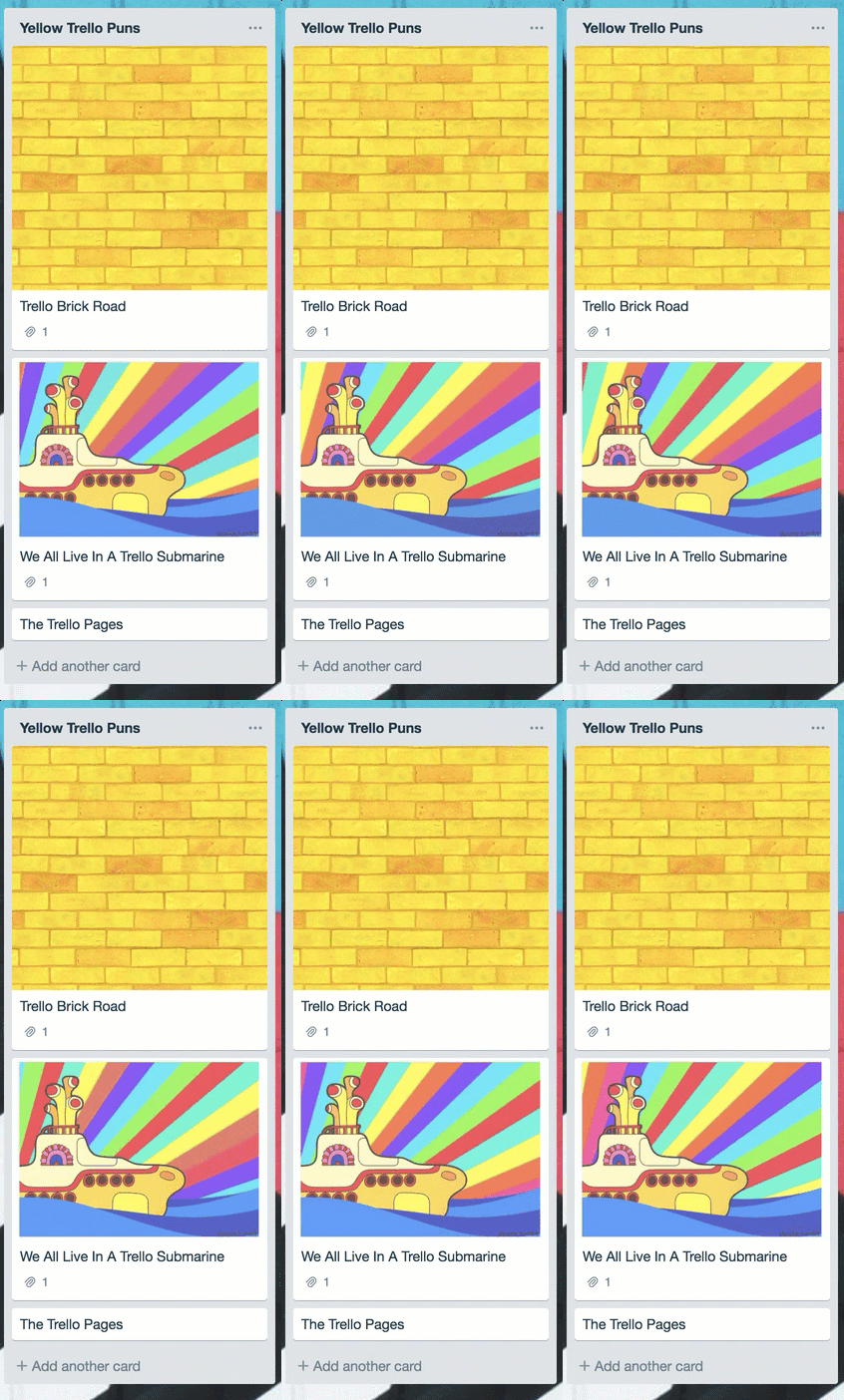
Normal picture or psychedelic GIF, card covers can be almost anything!
However, card covers are more than a pretty (card) face, they can be used creatively and functionally to give your team more context for projects and tasks.
Milkshakes Do Not Bring All The Images To The Card
Never fear, there’s no fancy integration or program you need to install onto your Trello boards to begin incorporating images on your cards. It’s as simple as:
- Pick: Choose an image or GIF (.png, .jpg, .gif, and other common formats are supported)
- Drag: Simply drag the file onto the card, alternatively, you can use the ‘Attachment’ button to attach a file as well.
- Wait: Wait for the card to process and voila! The card cover should automagically be set.
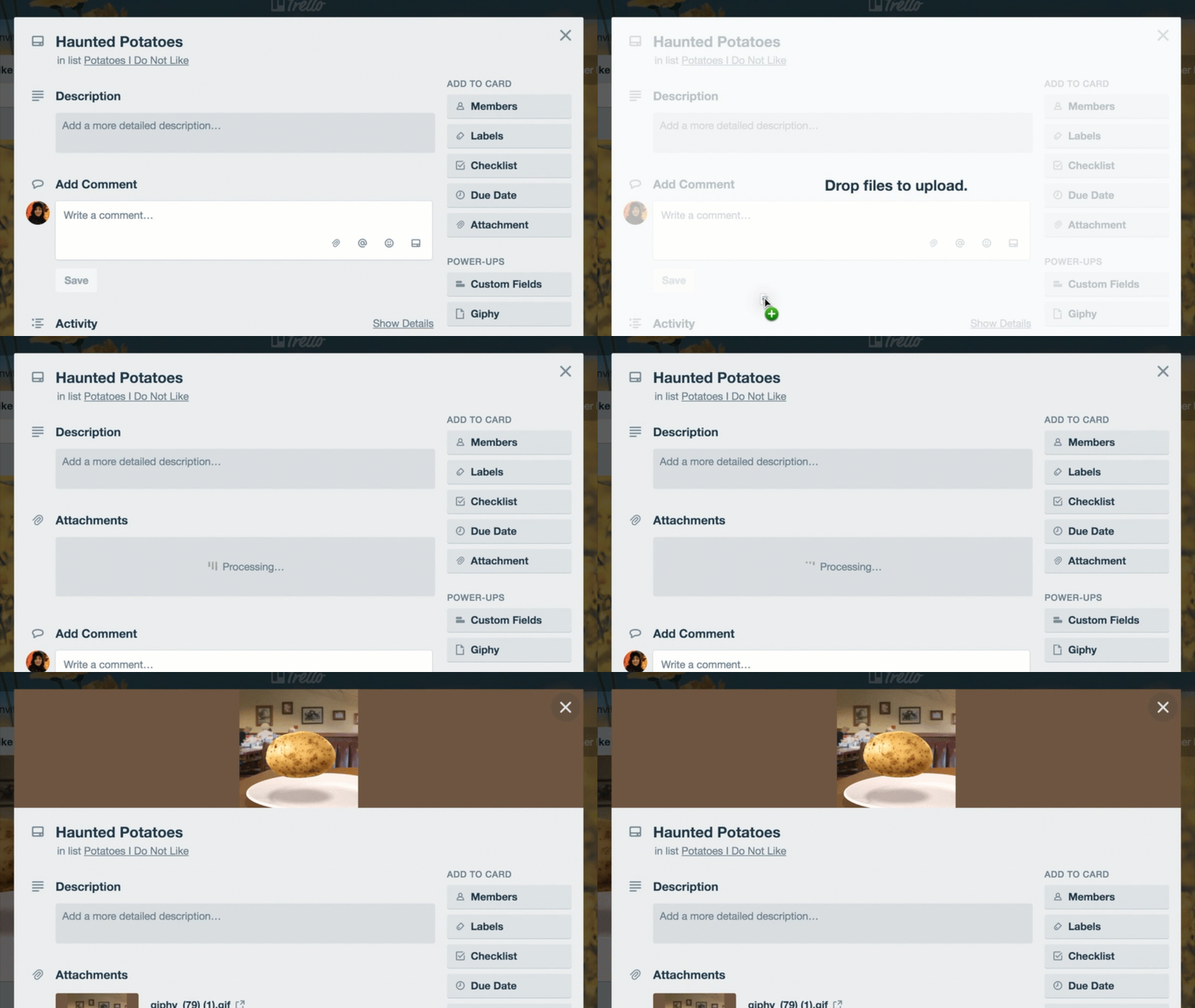
Fair warning: If you are uploading multiple images to your card, the last image/GIF that is uploaded to the card will become the default card cover.
If you’d rather choose which of the many images that have been uploaded to your card should be the card cover, then you’re in luck. It’s as easy as clicking on the ‘Make Cover’ button beneath each of your image/GIF attachments.
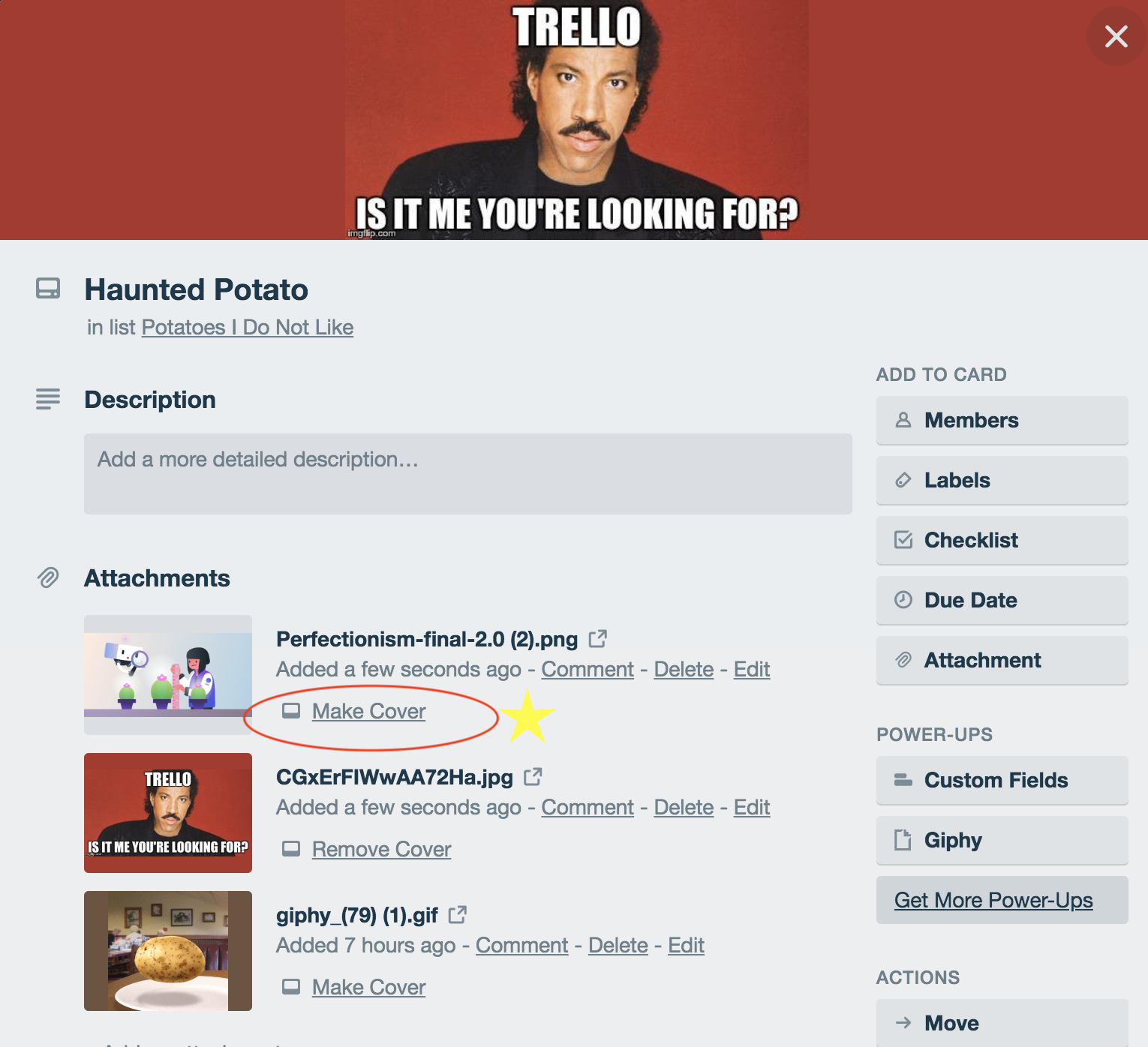
Don’t want a card cover at all? Never fear, simply attaching an image without affecting how your card front looks is also possible. Click on the ‘Remove Cover’ option below the image/GIF that is set as the current card cover.
Headers Galore!
Card covers aren’t all fun and games. There can be function behind all their glitz and glamor. #CelebrityCardLife
At Trello, it’s not uncommon to see teams create custom images to use as covers for their cards. This makes it easy for other teams to get their bearings when visiting another team’s board for requests or other projects.

Our design team uses bold, classy card covers to make it clear what each list is for.
In the above example, each list has a distinct designation. However, if you’d rather not go the horizontal route there’s always the vertical option.
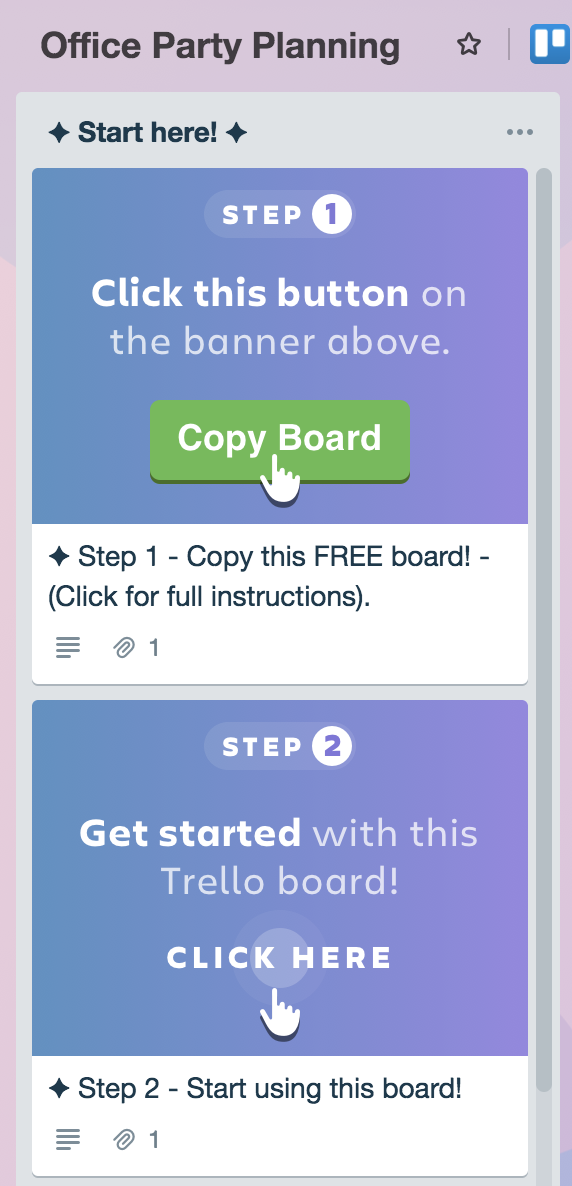
Instead of having one card atop each list with a unique image, you can follow this above example. It also acts as the perfect guide for new visitors to your board. We use this template extensively in our Trello Team Toolkit.
Using your card headers as a way to further organize a workflow is a great method! Or you could take a cue from another Trellist and use it as….art?
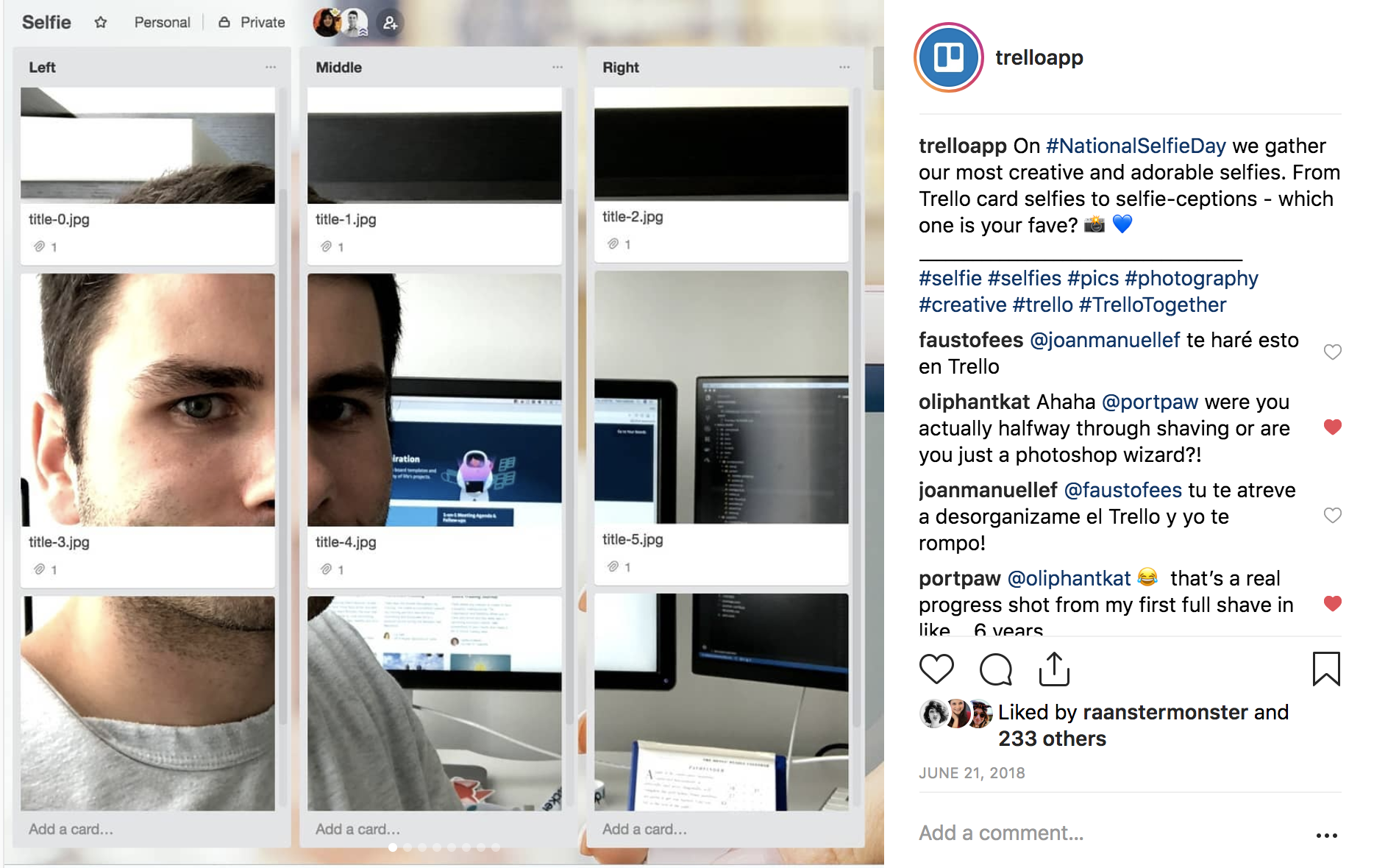
Source: Trello’s Instagram
A GIF Is Worth A Thousand Million Words
Sure, an image can direct visitors to your board to where they need to go. However, a GIF gives you the flair that everyone wishes they themselves had.

Two of my favorite ways to incorporate GIFs into Trello boards include:
- Attention-grabbing: This is the type of GIF that just begs your attention. It could be a giant signal light that literally signals to your teammates that, “Hey this card over here is important!” Or it could be an adorable family pointing to a command that all your board visitors may need to see first.

✨Pro Tip: If you’re looking for interesting GIFs that are sure to elicit a reaction, search for “3D GIF” in Google and you’ll get a delightful array of very interactive-looking GIFs!
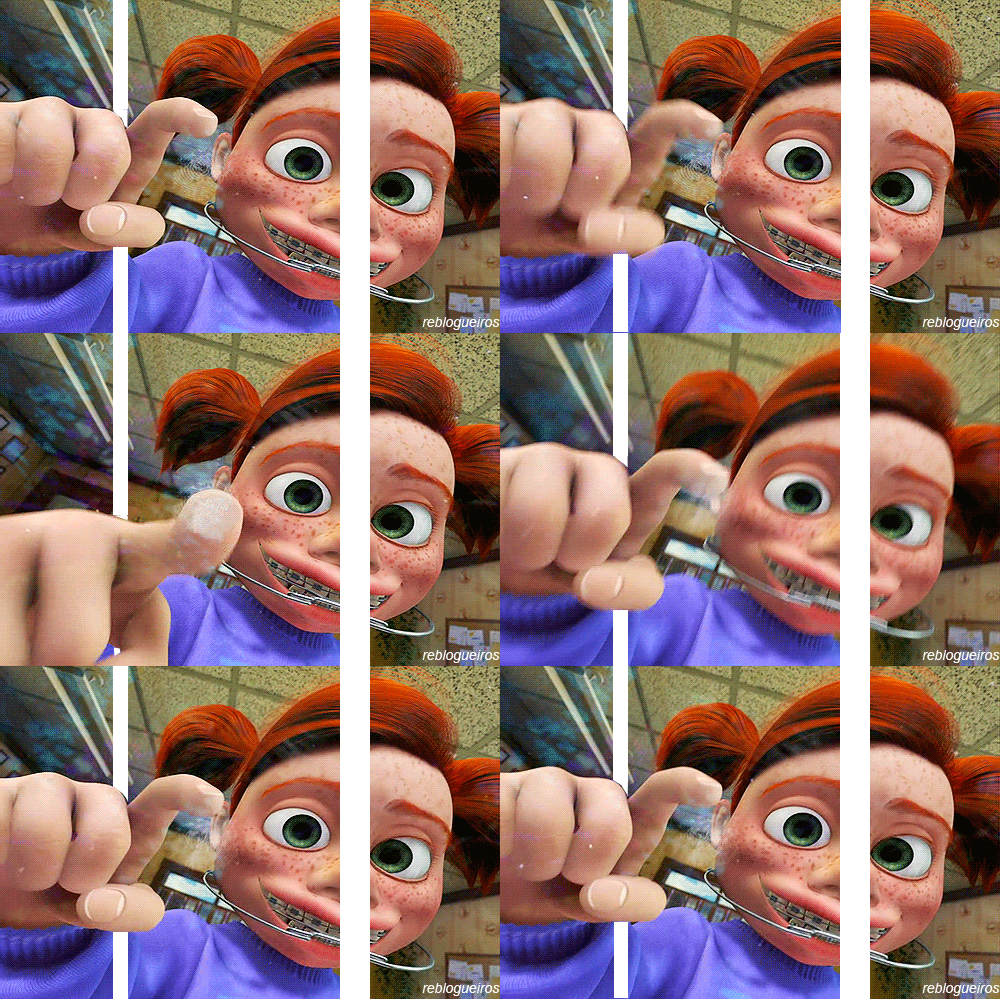
- Subtle delight: There’s nothing classier than subtlety…at least when it comes to GIFs. Using very simple graphics that have subtle movements not only surprise the eye, they also delight visitors to your board without being overly distracting.

Searching for “minimalist GIFs” in Google will lead to an array of simple, yet fun GIFs. One major use-case we see as the future of GIF card covers is a fitness board!

Whether it’s animated GIFs or videos that you’ve taken and then converted, creating your own custom card covers is only a few steps away!
Get Creative, Everyday
Card covers or not, allow the visual flexibility of Trello to make your daily to-do list or workflow more fun. With dozens of various use cases, a great place to explore more ways to use card covers is our very own inspiration page.
Go wild! From a picture of your favorite puppy or GIF of keyboard cat—the world is your Trello board, decorate its card covers the way you wish.

Good or bad, we’d love to hear your thoughts. Find us on Twitter (@trello) or write in to support@trello.com.
Next: How To Make The Most Of Trello By Syncing Cards Across Multiple Boards